New

The WPforOps Manifesto. Why WordPress can run more of your organisation than you think.

Read it
  1. Home
  2. Where we work
  3. Sweden
  4. School websites, Sweden

School websites, Sweden

School website design in Sweden, built for parents and pupils

We design and build WordPress websites for schools in Sweden, from preschools to independent and international schools. Admissions, news, calendars and parent information are easy to find, and pupil data is handled with care.

Currency
Swedish krona (SEK)
Payments
Swish, Klarna, Cards via Stripe
Data protection
EU General Data Protection Regulation (GDPR) and the Swedish Data Protection Act (2018:218)
Time zone
UTC+1 (CET) / UTC+2 (CEST), 0 to 1 hour ahead of Lagos
Overview

School Websites for organisations in Sweden.

A school website serves several audiences at once: families choosing a school, current parents checking dates, pupils looking for timetables, staff updating news and job seekers browsing vacancies. When everything competes for space on the home page, nobody finds what they came for.

We plan school sites around those audiences and give staff simple tools to keep them current. International schools in Sweden often need English and Swedish side by side, which we build in from the start.

In detail

School Websites in Sweden, in detail.

01

Admissions that answer real questions

Families comparing schools want clear answers: how to apply, which ages and programmes you offer, the language of instruction, and what a school day looks like. We design an admissions section with a logical path from overview to application, with enquiry or application forms that collect only what you need at each stage. For international schools, the English and Swedish versions mirror each other so parents can switch language without losing their place.

02

Pupil data and the GDPR

Schools handle sensitive information about children, so data protection deserves real attention. Under the Swedish Data Protection Act, 13 is the age from which a child can consent to online services, which affects any pupil-facing features. We keep application data out of public areas, restrict admin access by role, avoid unnecessary tracking on pages pupils use and make sure photos of pupils are published only in line with your consent records. Questions about legal bases stay with your data protection officer.

03

Accessibility for every family

Parents and pupils include people with visual, motor and cognitive impairments, and a school site should work for all of them. We build to WCAG 2.1 AA as standard. Public schools are covered by the DOS law, though most school and education services are exempt unless they concern essential administrative functions such as applications. Independent schools may not be bound in the same way, but accessible design is still the right standard for families.

04

News, calendars and documents

Staff update school sites in spare moments, so editing must be quick. We set up news posts with categories by year group, an events calendar parents can subscribe to, a documents library for policies and menus, and staff profiles. Each editor sees only what they need. Pages for term dates, lunch menus and closures are designed to be found within two taps on a phone.

05

Fees, payments and practical links

Where an independent or international school takes fees or deposits online, we can add payments through Stripe with cards and, for families in Sweden, Swish. Links to the systems you already use for attendance, learning or messaging are placed where parents expect them. If you need a full learning platform rather than a website, our e-learning work covers that separately.

What a school website includes

What a school website includes.

Strategy & Design from $1,500 · Development from $5,000 · Managed Services from $2,000 per year. See pricing

  • Admissions section with clear application steps
  • English and Swedish versions where needed
  • News by year group and a subscribable calendar
  • Documents library for policies and menus
  • Role-based staff editing
  • WCAG 2.1 AA design for families and pupils
  • Careful handling of pupil data and photos
  • Optional online fees and deposits
Our work

Platforms we have built.

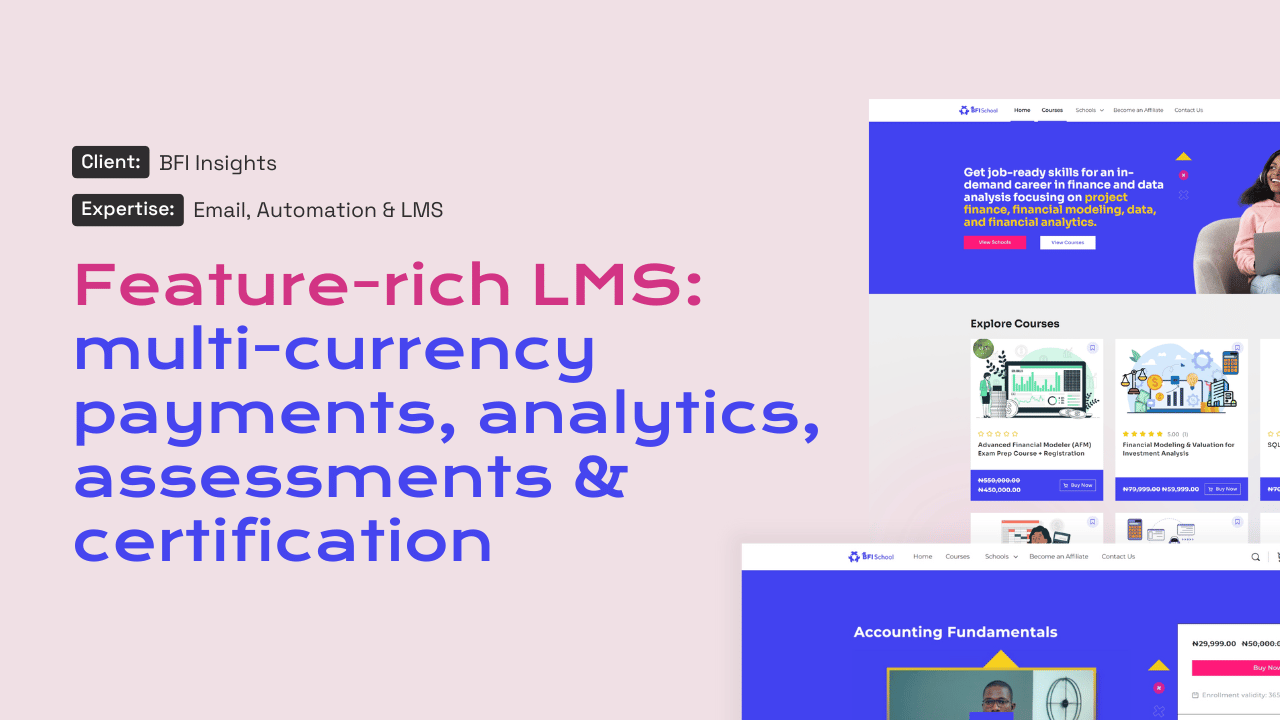
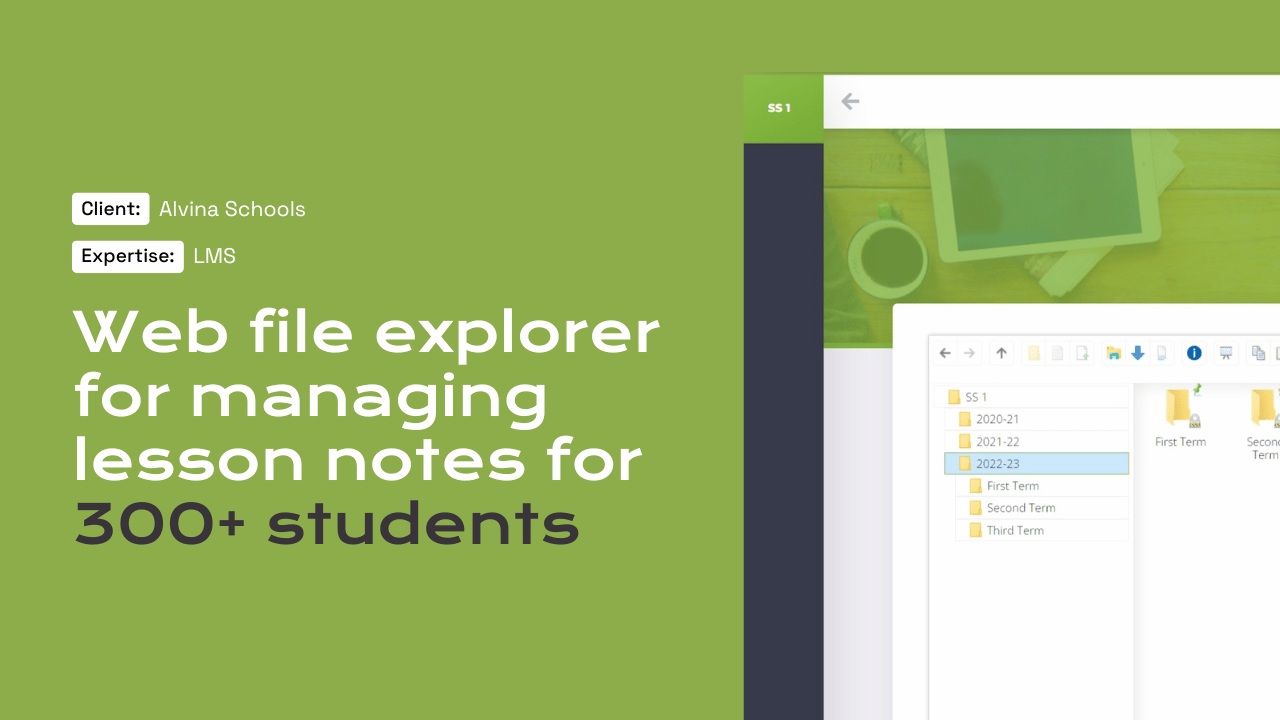
Alvina Schools runs its virtual learning environment on a platform our team built, and BFI School shows our work on online education with payments and certificates.

Questions

Frequently asked questions

Can parents pay school fees on the website?

Yes. We can add fee and deposit payments through Stripe with cards, and Swish for families in Sweden. Because Swish through Stripe is single-use, recurring termly fees are better handled by card or by invoice from your finance system, which we can link to.

Does the DOS law apply to our school website?

Public bodies, including municipal schools, are covered, but most digital services in schools and education are exempt unless they concern essential administrative functions. Independent schools should check their own position. Either way, we build to WCAG 2.1 AA, so you are on solid ground.

Can staff update the site without training?

We provide a short training session by video call and a written guide. Editing is designed to be simple: posting news, adding events and uploading documents take a few minutes. Most staff are comfortable after the first session, and questions afterwards are answered by email.

How do you handle photos of pupils?

We build the site so photos can be removed quickly and are not indexed beyond what you intend. Whether a photo may be published depends on your school's consent records and policies, which remain your responsibility. We can add a simple workflow so photos are checked before publishing.

What does a school website cost?

School websites usually sit under Strategy and Design, from $1,500 per project. Online payments, application systems or integrations add development work. You receive a written scope with milestones and a price in USD, with a kronor reference on request, before anything starts.

Start a project

Tell us what you need WordPress to do.

A new website, a redesign, a client portal, a booking system, or a move from another platform. Tell us what you need and we will tell you how WordPress can carry it.

What happens next

  1. 01
    Introductory callUnderstanding the project, the organisation, and the brief.
  2. 02
    Discovery questionnaireThe detail we need before designing anything.
  3. 03
    Scope agreementDeliverables, timeline, and investment confirmed in writing.
See how a project runs