New

The WPforOps Manifesto. Why WordPress can run more of your organisation than you think.

Read it
Managed Services

Managed Hosting

We set up, monitor and manage hosting for your WordPress platform on managed cloud infrastructure, through our hosting partners Cloudways and Hostinger. One accountable team for the platform and the hosting it runs on.

Overview

One team accountable for the platform and the server it runs on.

When the host and the developer are different companies, problems fall into the gap between them. A slow page becomes a support ticket with the host, a reply blaming a plugin, and nobody owning the fix.

With Managed Hosting, we set up the environment, run it, and answer for it. We configure managed cloud infrastructure for WordPress through our hosting partners Cloudways and Hostinger, set up staging, SSL and backups, watch uptime, and coordinate updates with the work happening on the platform itself.

It pairs naturally with Platform Maintenance & Security, so the server and the software on it are looked after by the same people.

Who this is for

  • Organisations on slow or overpriced hosting
  • Teams with no one managing their server
  • Platforms that have outgrown shared hosting
What is included

What Managed Hosting covers.

  • 01

    Environment setup

    Managed cloud server, PHP version and caching configured for WordPress.

  • 02

    Staging environment

    A copy of the platform for testing changes before they reach production.

  • 03

    SSL certificates

    Installed, renewed and checked, so the platform is always served securely.

  • 04

    Automated backups

    Scheduled backups stored offsite, with tested restore capability.

  • 05

    Uptime monitoring

    The platform watched continuously, with incident response within agreed response times.

  • 06

    Updates coordination

    Server and platform updates scheduled together and tested in staging first.

Moving from another host? We handle the move first, with a pre-migration audit, a tested rollback plan and a coordinated go-live.

See Hosting Migration
Proof

Platforms and infrastructure, managed together.

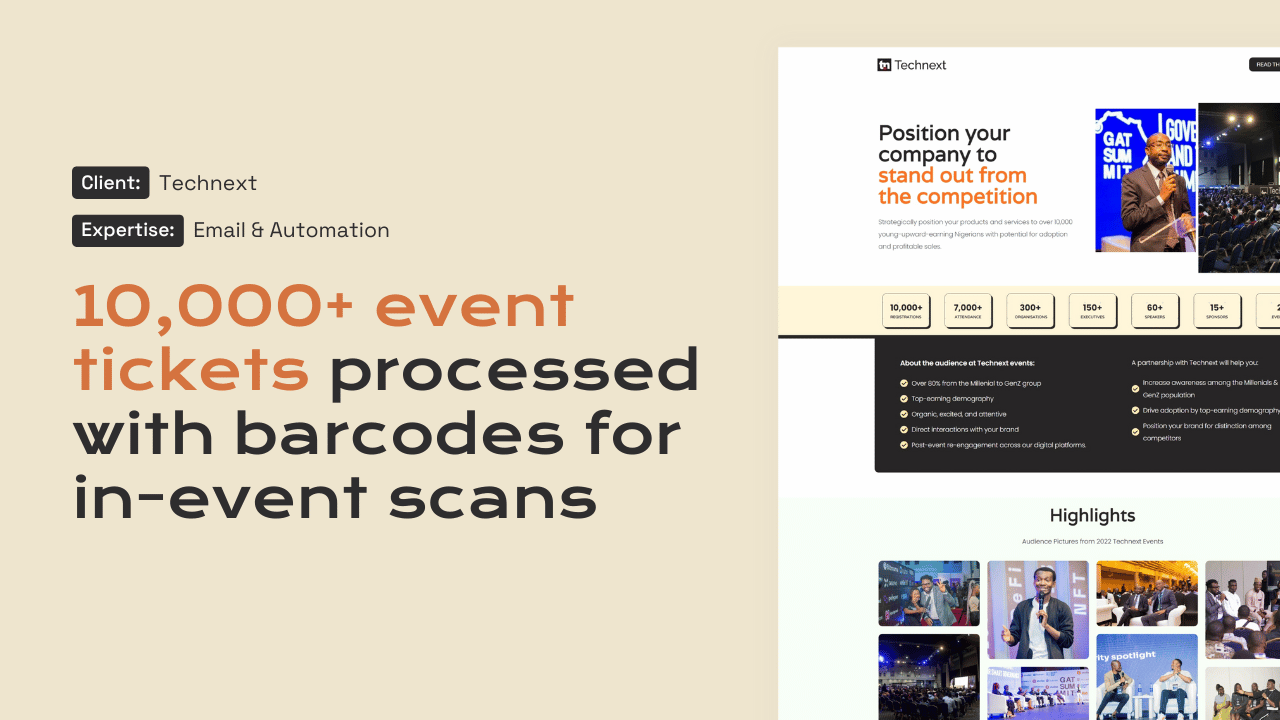
Technext Events website

Media · Ticketing

Technext

10,000+ event tickets sold and scanned on WordPress.

Technext
“Working with the WPFlat team has been nothing short of exceptional. Their technical expertise, responsiveness, and consistency have been pivotal in managing and optimizing Technext's platforms and digital infrastructure.”
Anderson OzakpoCo-founder, Technext
Twice as fast with half the load time after moving to managed cloud hosting, as documented by Cloudways.
WPFlat is a Cloudways Silver Partner and a Hostinger Partner.
How we work

How Managed Hosting works.

The same team that builds and maintains the platform runs the hosting underneath it.

  1. 01

    Assess

    We review your current hosting, traffic and platform needs.

  2. 02

    Set up

    A managed cloud environment configured for WordPress.

  3. 03

    Move

    The platform migrated with a tested rollback plan.

  4. 04

    Manage

    Monitoring, backups, updates and reporting every month.

Hosting is one part of how we look after platforms after launch. See the full six-phase process.

See our full process
Questions

Frequently asked questions

Which hosting providers do you use?

We host on managed cloud infrastructure through our partners Cloudways and Hostinger, and choose the setup around what your platform needs.

Do we have to move host?

Not always. If your current hosting is a good fit, we can work with it. If it is holding the platform back, we move it through Hosting Migration.

Who do we contact when something goes wrong?

Us. One team is accountable for the platform and the hosting, so there is no back and forth between a host and a developer.

Is hosting the same as maintenance?

No. Managed Hosting looks after the server and environment. Platform Maintenance & Security looks after WordPress itself. Many organisations take both.

Start a project

Tell us what you need WordPress to do.

A new website, a redesign, a client portal, a booking system, or a move from another platform. Tell us what you need and we will tell you how WordPress can carry it.

What happens next

  1. 01
    Introductory callUnderstanding the project, the organisation, and the brief.
  2. 02
    Discovery questionnaireThe detail we need before designing anything.
  3. 03
    Scope agreementDeliverables, timeline, and investment confirmed in writing.
See how a project runs