
Migrations
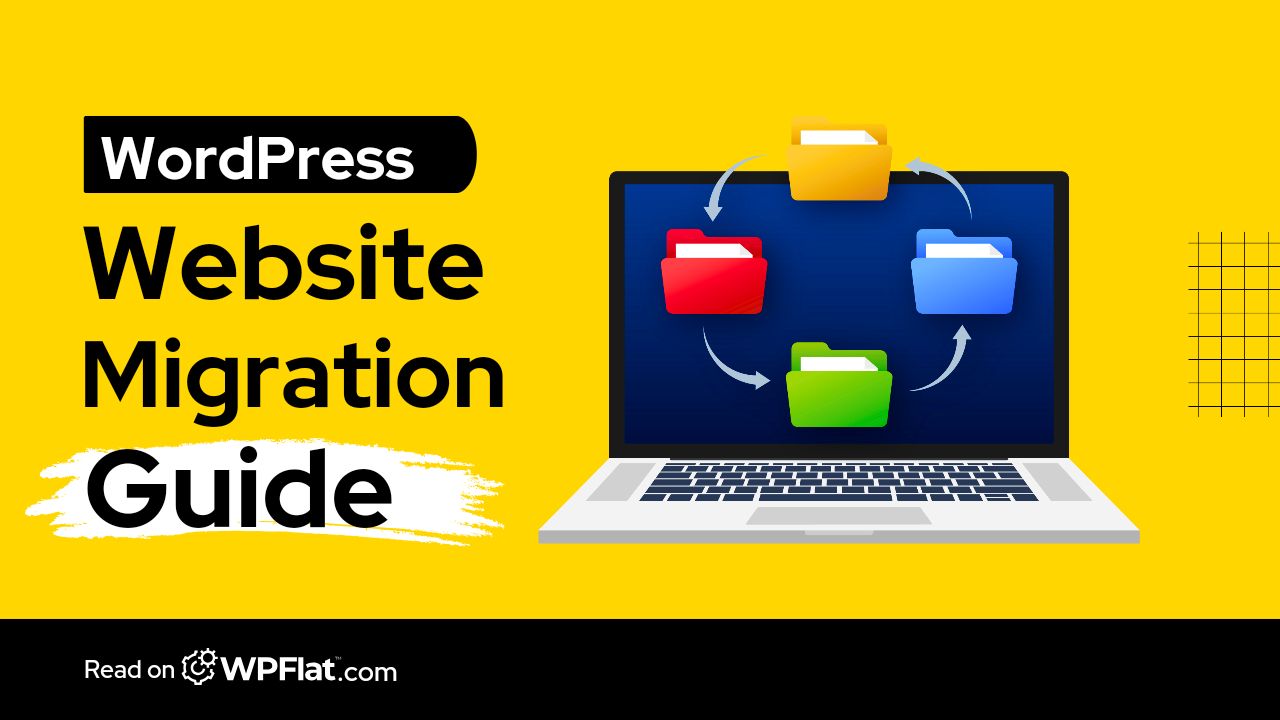
CMS to WordPress
Moving content and data from Wix, Squarespace, Webflow, or another platform into WordPress, with a full pre-migration audit, a tested rollback plan, and a coordinated go-live.
Overview
Leave the platform you have outgrown, not the content you built on it.
Many organisations start on a hosted website builder or a custom-built CMS and reach the point where the platform limits what the organisation needs to do. Moving is where the risk sits: content gets lost, URLs break, and search rankings disappear overnight because the redirect logic was never planned.
We move content and data into WordPress structures designed for it: pages, posts, media, custom content types, users and, where they exist, products and orders. Every old URL is mapped to its new home with the right redirects in place.
The result is a platform you own, documented and ready to grow into portals, workflows and integrations as the organisation needs them.
Who this is for
- Organisations moving onto WordPress from another platform
- Teams limited by a hosted website builder
- Platforms on a custom CMS that is no longer supported
What is included
What a CMS migration covers.
- 01
Pre-migration audit
Content, data, user accounts, DNS dependencies, and redirect mapping, documented before anything moves.
- 02
Content model mapped to WordPress
Pages, posts, media, categories and custom content types structured properly, not pasted in.
- 03
Data and users moved
Full migration with verified data integrity at every stage.
- 04
Design carried over or rebuilt
A faithful rebuild of the current design, or a new one if the move is also a redesign.
- 05
Redirects and go-live
Every old URL redirected, and DNS cutover coordinated inside an agreed go-live window.
- 06
Post-migration testing
Forms, search, media, accounts and redirects tested across the full platform.
Platforms we move from
- Wix
- Squarespace
- Webflow
- Custom CMS
- Other platforms
Every migration we run includes a pre-migration audit, a tested rollback plan, redirect mapping, DNS cutover coordination and post-migration testing.
All migrationsFurther reading
From our notes on migration.
Twice as fast with half the load time after moving to managed cloud hosting, as documented by Cloudways.
WPFlat is a Cloudways Silver Partner and a Hostinger Partner.
How we work
How a CMS migration runs.
The move is rehearsed in staging before anything changes on the live domain.
- 01
Audit
We inventory content, data, URLs and integrations on the current platform.
- 02
Map
Content types, fields and URLs mapped to their WordPress equivalents.
- 03
Build and migrate
The WordPress platform built and the content moved in staging.
- 04
Testing
Everything tested, including every redirect, before going live.
- 05
Go live
DNS updated and the platform watched closely after launch.
Migration follows the same discipline as every launch we run. See the full process.
See our full processQuestions
Frequently asked questions
Will we lose our search rankings?
We map every URL and set up the right redirects throughout, so search engines and visitors find every page in its new home.
Which platforms can you migrate from?
Wix, Squarespace, Webflow, and other hosted or custom platforms. The pre-migration audit confirms exactly what can be exported and how it maps into WordPress.
Can we redesign the website at the same time?
Yes. We can rebuild the current design faithfully or treat the move as a redesign. See Website Redesign.
Will our platform go offline during the migration?
We migrate in a staging environment first and coordinate the go-live window with you, so any downtime is planned and kept to a minimum.
Start a project
Tell us what you need WordPress to do.
A new website, a redesign, a client portal, a booking system, or a move from another platform. Tell us what you need and we will tell you how WordPress can carry it.
What happens next
- 01Introductory callUnderstanding the project, the organisation, and the brief.
- 02Discovery questionnaireThe detail we need before designing anything.
- 03Scope agreementDeliverables, timeline, and investment confirmed in writing.