New

The WPforOps Manifesto. Why WordPress can run more of your organisation than you think.

Read it
WordPress Development

Integrations

WordPress connected to the systems your organisation already runs. Data flows where it needs to, and nobody re-enters the same information twice.

Overview

Consolidate where it makes sense. Integrate where it does not.

Some tools earn their place. Your team lives in Microsoft 365 or Google Workspace, your sales run through a CRM, your finance team depends on an ERP. Moving all of that onto WordPress would not make sense.

What does make sense is connecting it. We integrate WordPress with the specialist tools your organisation already runs, so a form submission reaches the CRM, a payment reaches finance, and a new member gets the right email without anyone copying data from one screen to another.

Integrations are configured and tested on staging before launch, and documented so the next person knows exactly where each piece of data goes.

What is included

The systems we connect WordPress to.

  • 01

    Microsoft 365

    Accounts, calendars and documents connected to the platform.

  • 02

    Google Workspace

    Workspace accounts, calendars and data, connected.

  • 03

    Single sign-on

    One login for the people who use the platform every day.

  • 04

    CRMs

    Enquiries, applications and members recorded where your team works.

  • 05

    ERPs

    Orders and records flowing between WordPress and the operation.

  • 06

    Payment providers

    Payments taken on the platform and reconciled where they belong.

  • 07

    Email platforms

    Newsletters and automated updates, triggered by what happens on the platform.

  • 08

    Analytics

    Measurement in place, so you know what the platform is doing for you.

Full data ownership and no dependency on a single vendor.

Related work

Connected platforms we have built.

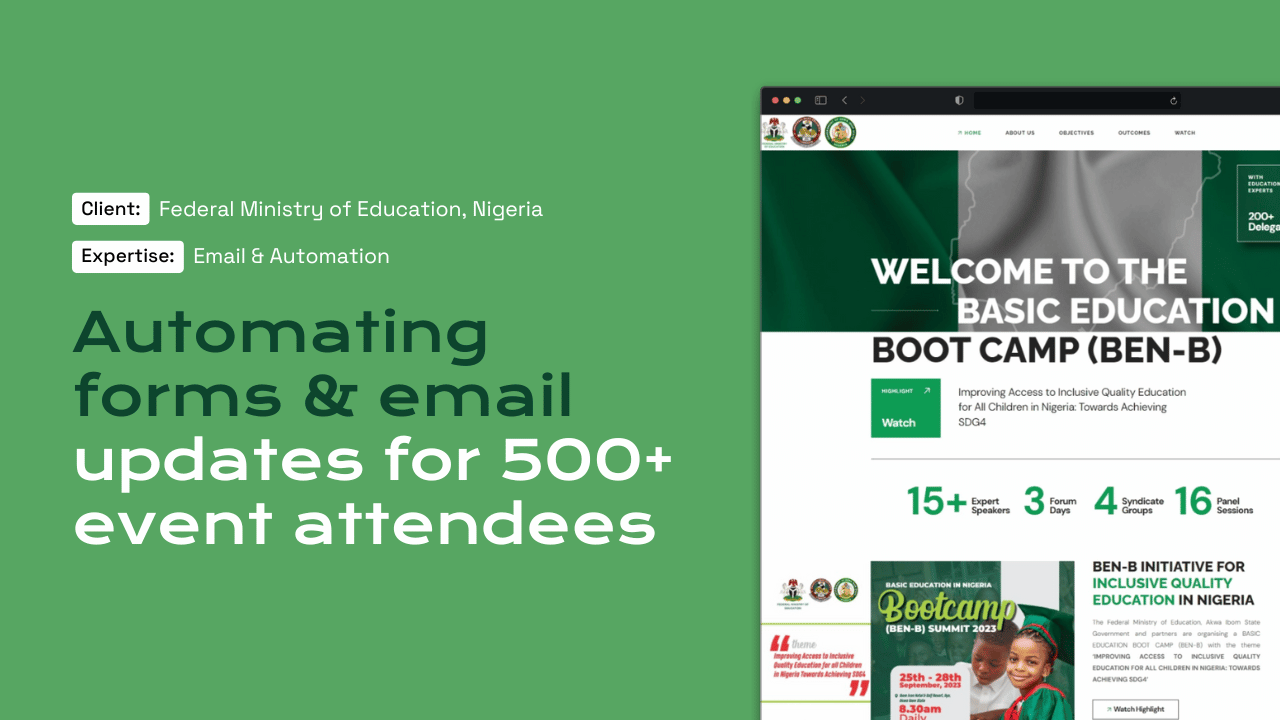
Basic Education Boot Camp website for the Federal Ministry of Education

Public sector · Automation

Federal Ministry of Education

Registration and session planning for a national boot camp, delivered with PLANE‑FCDO.

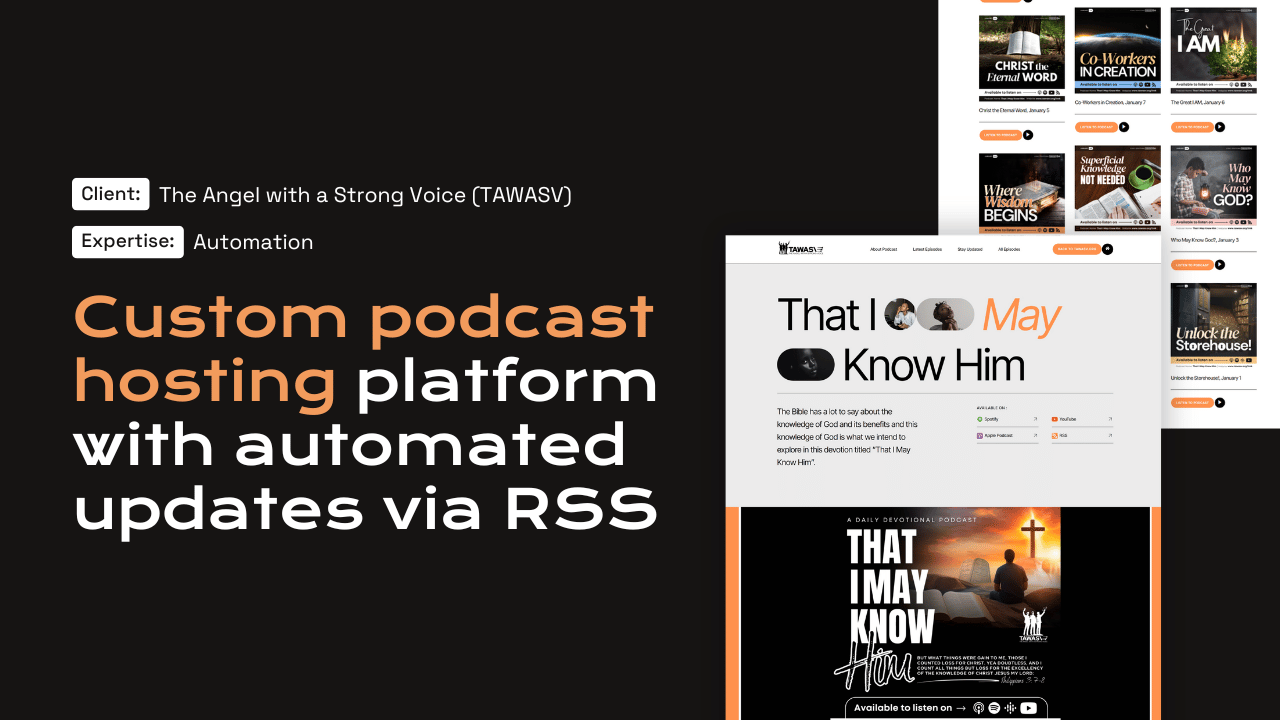
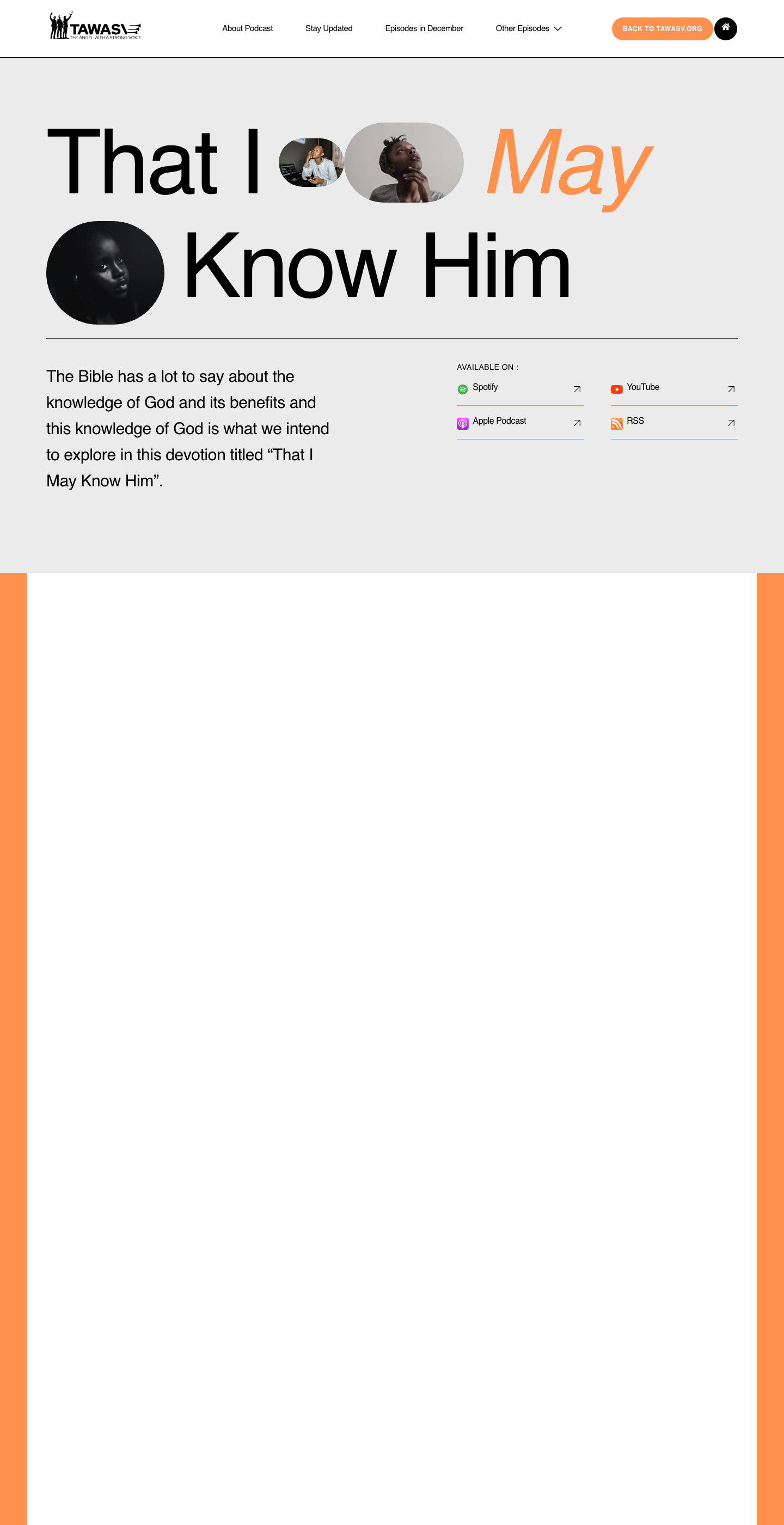
TAWASV Podcast platform on desktop

Ministry · Automation

TAWASV Podcast

Each episode published automatically to the website, YouTube, Spotify, Apple Podcasts and RSS.

How we work

How a WordPress project runs at WPFlat.

Six phases. Each one exists because skipping it produces a worse result.

  1. 01

    Discovery

    The brief, the operations, and the integrations in writing.

  2. 02

    Design

    Designed and approved before development begins.

  3. 03

    Build

    Built from the approved design on staging.

  4. 04

    Review

    Written sign-off before anything goes live.

  5. 05

    Launch

    A managed technical event, not a button click.

  6. 06

    After launch

    The same team stays as your technical partner.

Every project is different, and the process adapts to the scope. Tell us what you need WordPress to do and we will show you what the process looks like for your project.

See our full process
Questions

Frequently asked questions

Which systems can you connect?

Microsoft 365, Google Workspace, single sign-on, CRMs, ERPs, payment providers, email platforms, and analytics. If a tool has a way to exchange data, tell us about it.

Should everything move onto WordPress instead?

Not always. We consolidate where it makes sense and integrate where it does not. Some tools earn their place.

Who owns the data?

You do. Full data ownership and no dependency on a single vendor.

Start a project

Tell us what you need WordPress to do.

A new website, a redesign, a client portal, a booking system, or a move from another platform. Tell us what you need and we will tell you how WordPress can carry it.

What happens next

  1. 01
    Introductory callUnderstanding the project, the organisation, and the brief.
  2. 02
    Discovery questionnaireThe detail we need before designing anything.
  3. 03
    Scope agreementDeliverables, timeline, and investment confirmed in writing.
See how a project runs