New

The WPforOps Manifesto. Why WordPress can run more of your organisation than you think.

Read it
  1. Home
  2. Where we work
  3. United States
  4. Business email · United States

Business email · United States

Business email on your domain, set up properly

We set up professional business email for American companies on Google Workspace, Microsoft 365 or Zoho, using your own domain. Authentication, website email delivery and marketing rules are handled so messages arrive.

Currency
United States dollar (USD)
Payments
Stripe, PayPal, WooPayments
Data protection
No single federal law; state laws led by the California Consumer Privacy Act (CCPA), as amended by the CPRA
Time zone
UTC-5 (UTC-4 in summer), 5 to 6 hours behind Lagos (Eastern Time)
Overview

Business Email for organisations in the United States.

A business email address on your own domain looks more credible than a free webmail account, and buyers notice. The more important reason is control: when staff leave, the mailbox stays with the company, and you can manage security, retention and access centrally.

Setting it up is not only about creating mailboxes. Email providers now check that messages from your domain are authenticated, and your website, CRM and newsletter tool all send email on your behalf. We make all of those senders work together.

In detail

Business Email in the United States, in detail.

01

Choosing a provider

Google Workspace, Microsoft 365 and Zoho all offer reliable business email on your domain, and each has a different strength. Teams that live in Google Docs and Calendar often prefer Workspace. Organisations using Word, Excel and Teams usually choose Microsoft 365. Zoho suits smaller teams that want email without a full office suite. We recommend based on how your team works, set up the account in your company's name, and migrate existing mail where needed.

02

SPF, DKIM and DMARC done properly

Since 1 February 2024 Gmail has required every sender to use SPF or DKIM, and bulk senders, those sending more than 5,000 messages a day to Gmail, to use SPF, DKIM and DMARC. Other mailbox providers apply similar checks. We publish the right DNS records for every service that sends as your domain, start DMARC in monitoring mode, review the reports, then tighten the policy so spoofed mail is rejected without blocking your own.

03

Website email that arrives

WordPress sends contact form notifications, order receipts, password resets and course reminders. By default it often sends through the web server, which mailbox providers distrust. We route website email through an authenticated transactional email service, align it with your domain's SPF and DKIM, and log what is sent so failures are visible. For stores and learning platforms this protects the receipts and access emails customers rely on.

04

Marketing email and CAN-SPAM

Commercial email in the US is covered by CAN-SPAM. Every marketing message must include a valid physical postal address and a clear way to opt out, and opt-outs must be honoured within 10 business days. We connect your website forms to your email marketing tool with consent recorded, keep transactional messages separate from marketing, and make sure templates carry the required footer. Where state privacy laws apply, we keep opt-out choices in sync between the site and your email platform.

05

Scope and cost

Domain and email setup is part of our Managed Services, from $2,000 per year in US dollars, which also covers website hosting and maintenance. It can also be scoped as a smaller project alongside a new site or migration. Provider licences are billed to your company directly by Google, Microsoft or Zoho, so you keep full ownership. We document every DNS record we create, so your IT team or future suppliers can see exactly how mail is configured.

What our business email setup includes

What our business email setup includes.

Strategy & Design from $1,500 · Development from $5,000 · Managed Services from $2,000 per year. See pricing

  • Provider recommendation and account in your company's name
  • Mailboxes, aliases and shared inboxes on your domain
  • SPF, DKIM and DMARC for every sending service
  • DMARC monitoring, then a stricter policy
  • Website email routed through an authenticated service
  • Migration of existing mail where needed
  • CAN-SPAM-ready templates for marketing email
  • Two-factor sign-in and admin security settings
Our work

Platforms we have built.

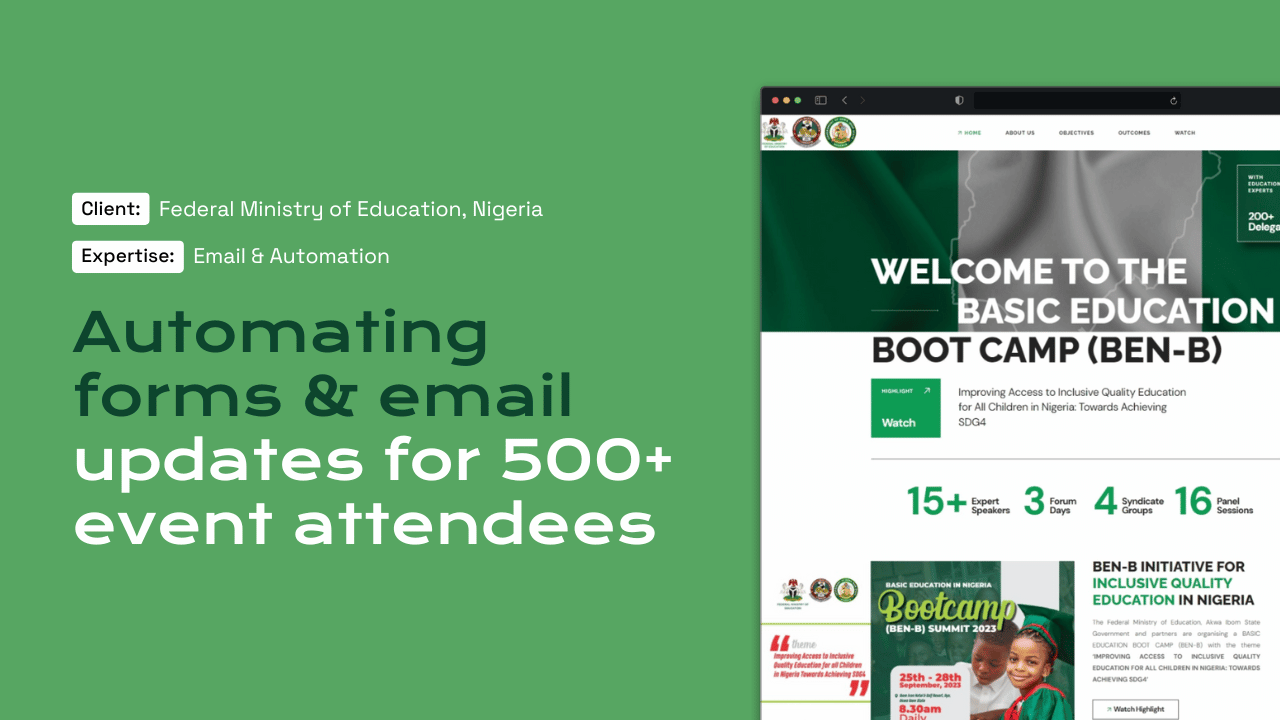
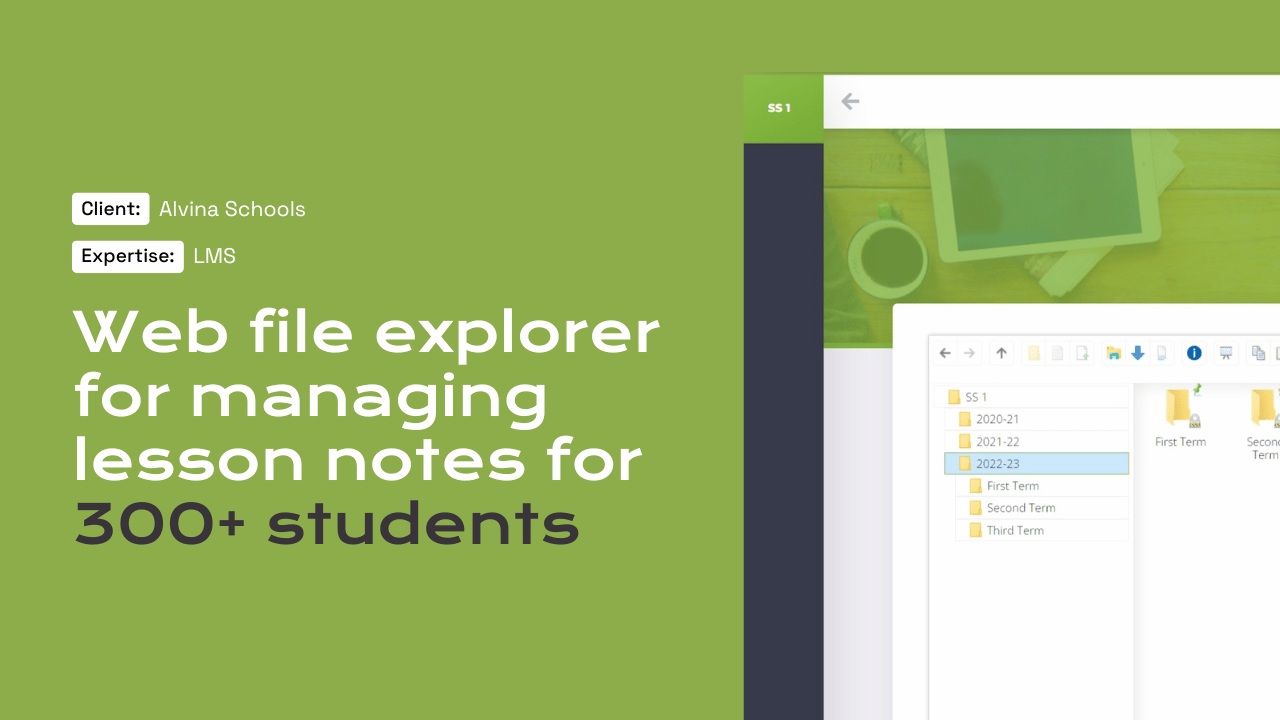
Automated attendee emails on the Federal Ministry of Education boot camp platform and course emails on BFI School, built for US company BFI Insights LLC, show why reliable website email matters.

Questions

Frequently asked questions

Which email is most professional for a business?

An address on your own domain, hosted on a business service such as Google Workspace, Microsoft 365 or Zoho. It builds trust with customers and keeps mailboxes under company control. Which provider suits you depends on the tools your team already uses.

Why are our website emails going to spam?

Usually because WordPress sends through the web server without proper authentication. We route website email through an authenticated service and set SPF, DKIM and DMARC for your domain, which is what Gmail and other providers now check. We then send test messages to major mailbox providers to confirm delivery.

Do we need DMARC?

If you send more than 5,000 messages a day to Gmail, Google requires it, and it is good protection against spoofing at any volume. We start DMARC in monitoring mode so legitimate mail is not blocked while we check every sender.

Does our newsletter need a postal address?

Yes. Under CAN-SPAM, commercial emails must include a valid physical postal address, such as a street address or a registered post office box, and a clear opt-out that you honour within 10 business days. We add these details to your email templates so every campaign includes them.

Who pays for the email licences?

Your company pays Google, Microsoft or Zoho directly, and the account is in your name. Our setup and ongoing management sit within Managed Services from $2,000 per year, or a scoped project. If you change suppliers, the mailboxes and data stay exactly where they are.

Start a project

Tell us what you need WordPress to do.

A new website, a redesign, a client portal, a booking system, or a move from another platform. Tell us what you need and we will tell you how WordPress can carry it.

What happens next

  1. 01
    Introductory callUnderstanding the project, the organisation, and the brief.
  2. 02
    Discovery questionnaireThe detail we need before designing anything.
  3. 03
    Scope agreementDeliverables, timeline, and investment confirmed in writing.
See how a project runs