New

The WPforOps Manifesto. Why WordPress can run more of your organisation than you think.

Read it
  1. Home
  2. Where we work
  3. Malawi
  4. Web applications, Malawi

Web applications, Malawi

Web applications and portals for Malawian organisations

We build portals, workflows and dashboards on WordPress for organisations that have outgrown spreadsheets and email chains. Staff, members or customers log in, complete tasks and see their own data, with payments and permissions handled properly.

Currency
Malawian kwacha (MWK)
Payments
PayChangu (Airtel Money, TNM Mpamba, cards, bank transfer), TNM Mpamba Mastercard virtual card
Data protection
Data Protection Act 2024 (Act No. 3 of 2024)
Time zone
UTC+2, 1 hour ahead of Lagos
Overview

Web Application Development for organisations in Malawi.

Many Malawian organisations run important processes on spreadsheets, paper forms and WhatsApp messages: job applications, member renewals, grant reports, field data, stock requests. It works until volume grows or a key person leaves. A web application puts the process in one place, with a record of who did what and when.

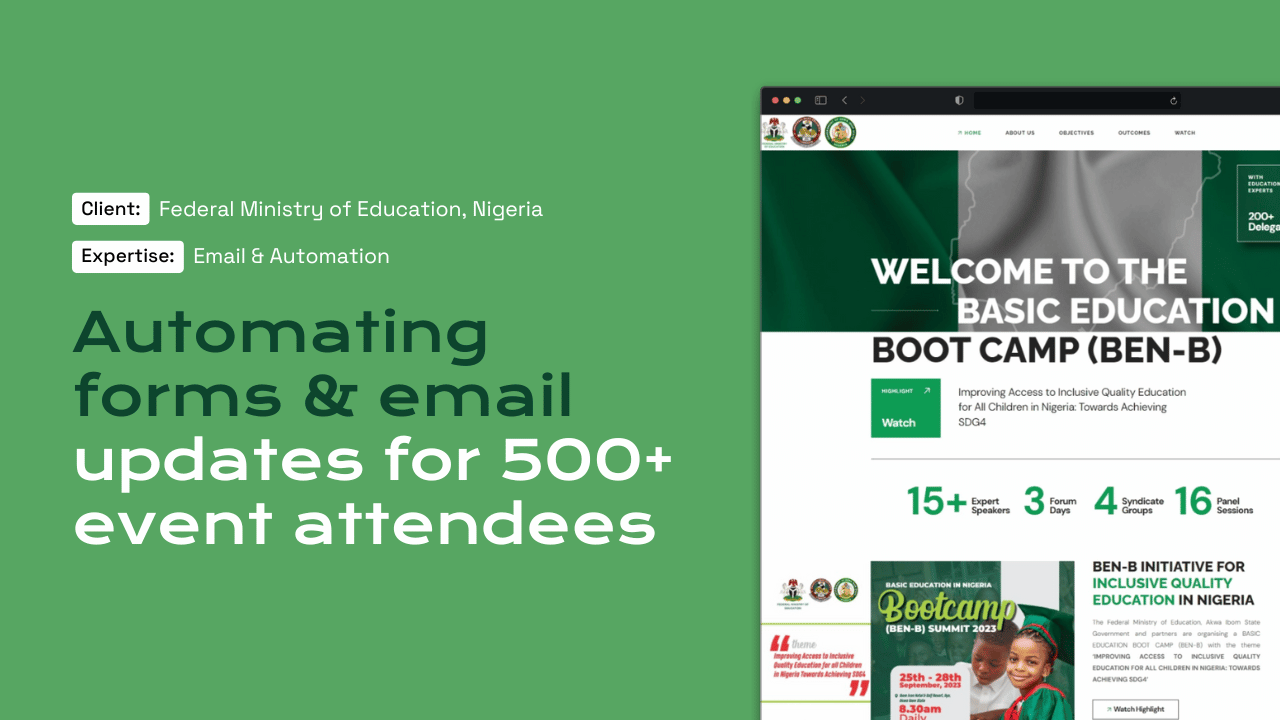
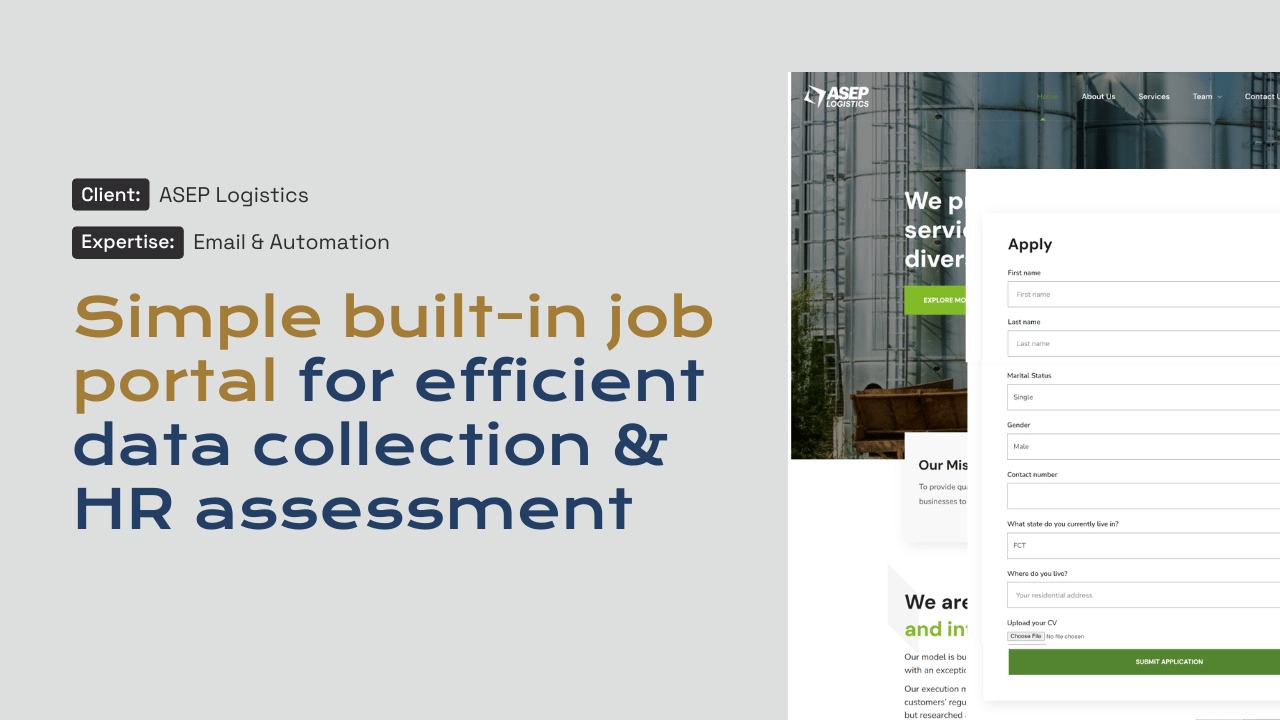
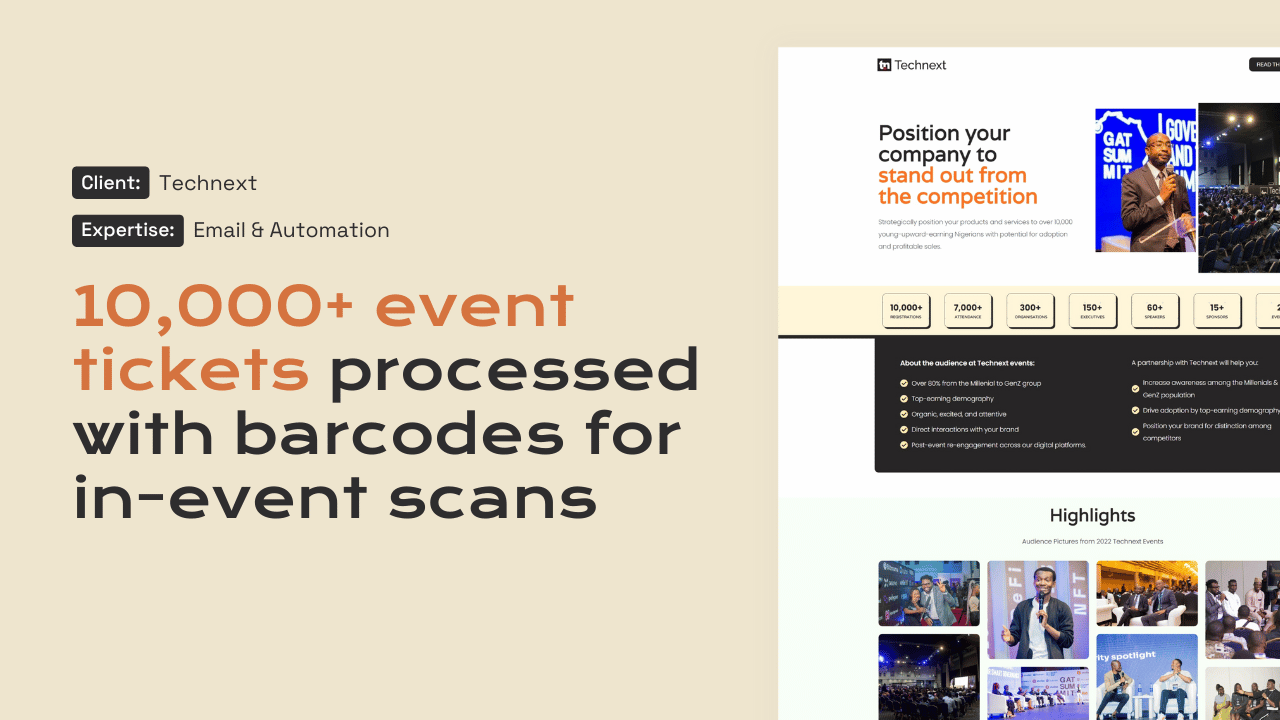
WordPress is not only for websites. With custom plugins it is a capable foundation for business applications, and it keeps costs and maintenance sensible. Our team has built a recruitment portal and HR dashboard for ASEP Logistics, boot camp registration for a federal ministry programme and a ticketing system with QR check-in.

In detail

Web Application Development in Malawi, in detail.

01

Portals for members, staff and clients

A portal gives each user their own login and view. Members renew and download certificates, staff submit requests and see approvals, clients track orders or upload documents. We design roles and permissions carefully so people see only what they should, and build the portal into your existing website or as a separate application on its own subdomain. Logins can use two-factor authentication for administrators and sensitive roles.

02

Workflows that replace paper

We map your current process with the people who run it, then build it as a sequence of steps: a form is submitted, a manager approves, a notification is sent, a record is updated. Each step is logged. For Malawian organisations this often covers recruitment, procurement requests, grant applications and field reporting, with forms that work on phones for staff away from the office.

03

Dashboards for decisions

Once data lives in one system, it can be summarised. We build dashboards that show applications by stage, payments by period, enrolments by district or stock by location, with filters and exports for your reports. Managers stop waiting for someone to compile a spreadsheet and can see the current position when they need it. Access to each dashboard follows the same roles as the rest of the system, so sensitive figures stay with the people entitled to see them.

04

Payments inside the application

When a workflow involves money, such as membership fees, application charges or service payments, we connect it to PayChangu so users pay by Airtel Money, TNM Mpamba, card or bank transfer and the record updates on confirmation. Because Stripe does not serve Malawian businesses, we plan around a local provider from the start rather than retrofitting it. Failed and pending payments are flagged for staff to follow up.

05

Data protection by design

Applications hold more personal data than ordinary websites. The Data Protection Act 2024 expects a data protection impact assessment where processing is likely to create significant risk, and requires controllers of significant importance to register with MACRA. We minimise what is collected, separate access by role, log changes, encrypt connections and document data flows, giving your data protection lead the material an assessment needs.

What a web application project includes

What a web application project includes.

Strategy & Design from $1,500 · Development from $5,000 · Managed Services from $2,000 per year. See pricing

  • Process mapping with the people who run it
  • User roles, permissions and secure logins
  • Phone-friendly forms and approval workflows
  • Dashboards with filters and exports
  • PayChangu payments linked to records
  • Audit logs and data flow documentation
  • Staging, user testing and training
Our work

Platforms we have built.

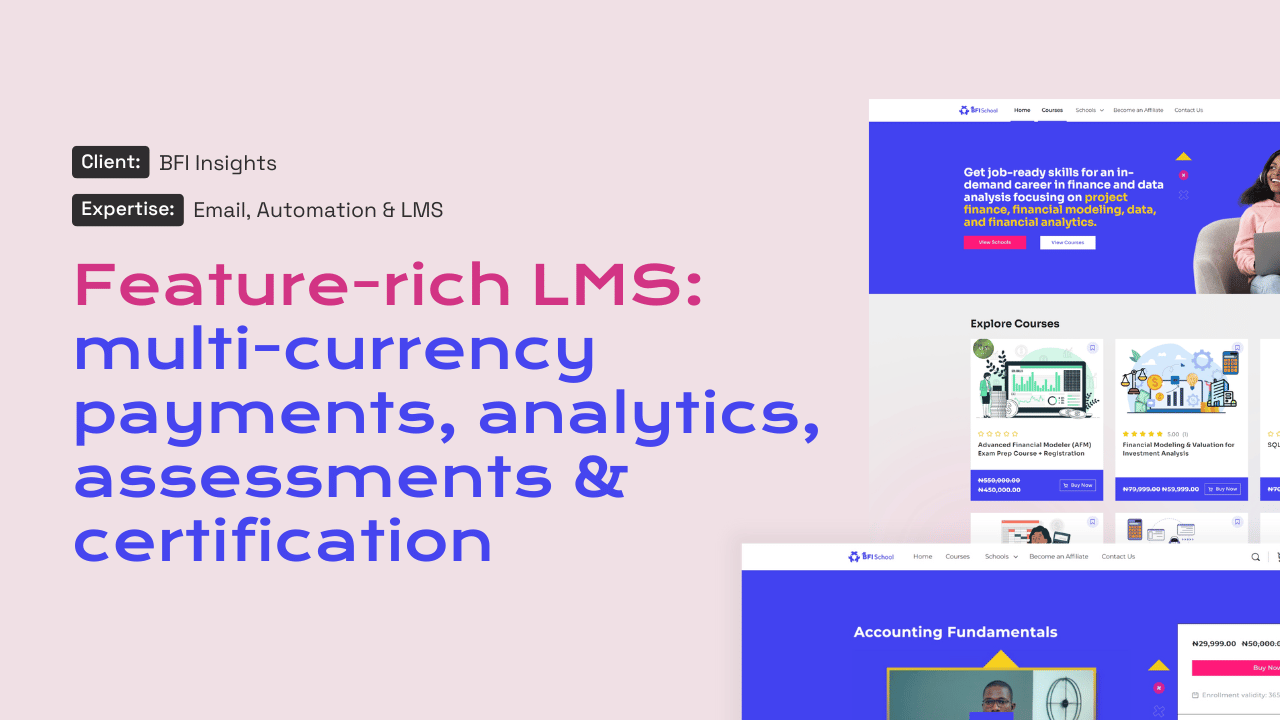
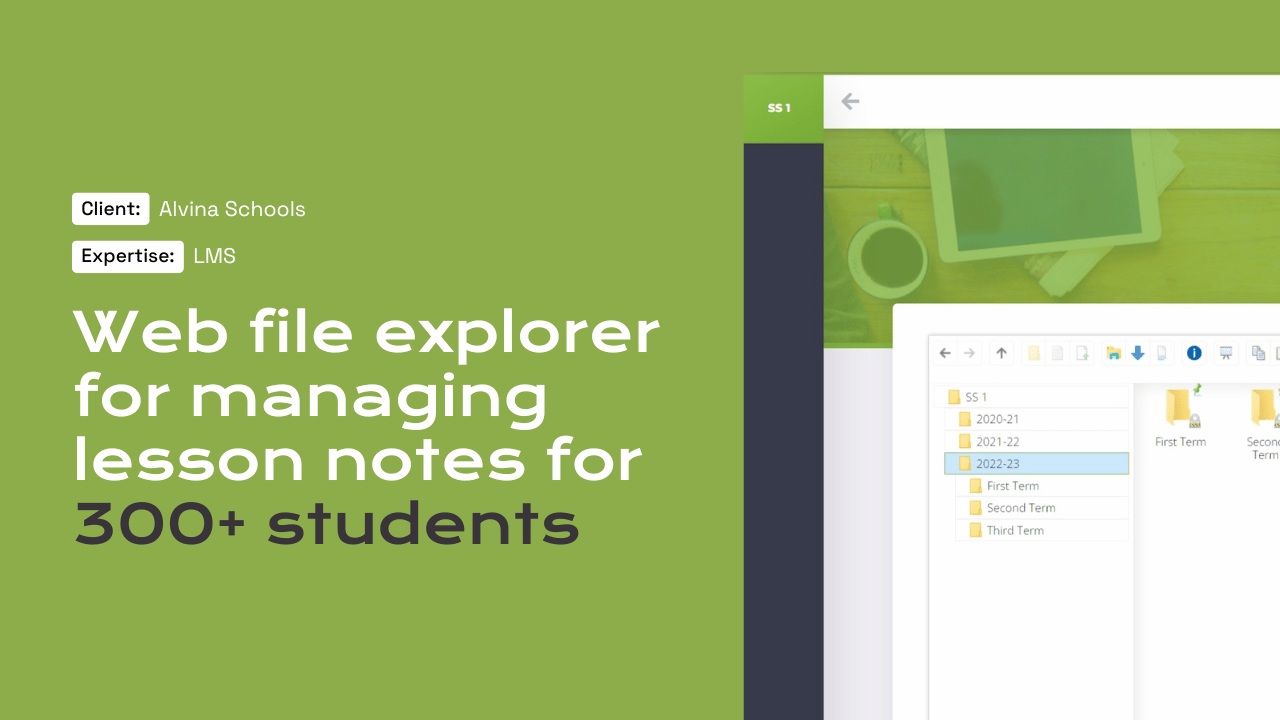
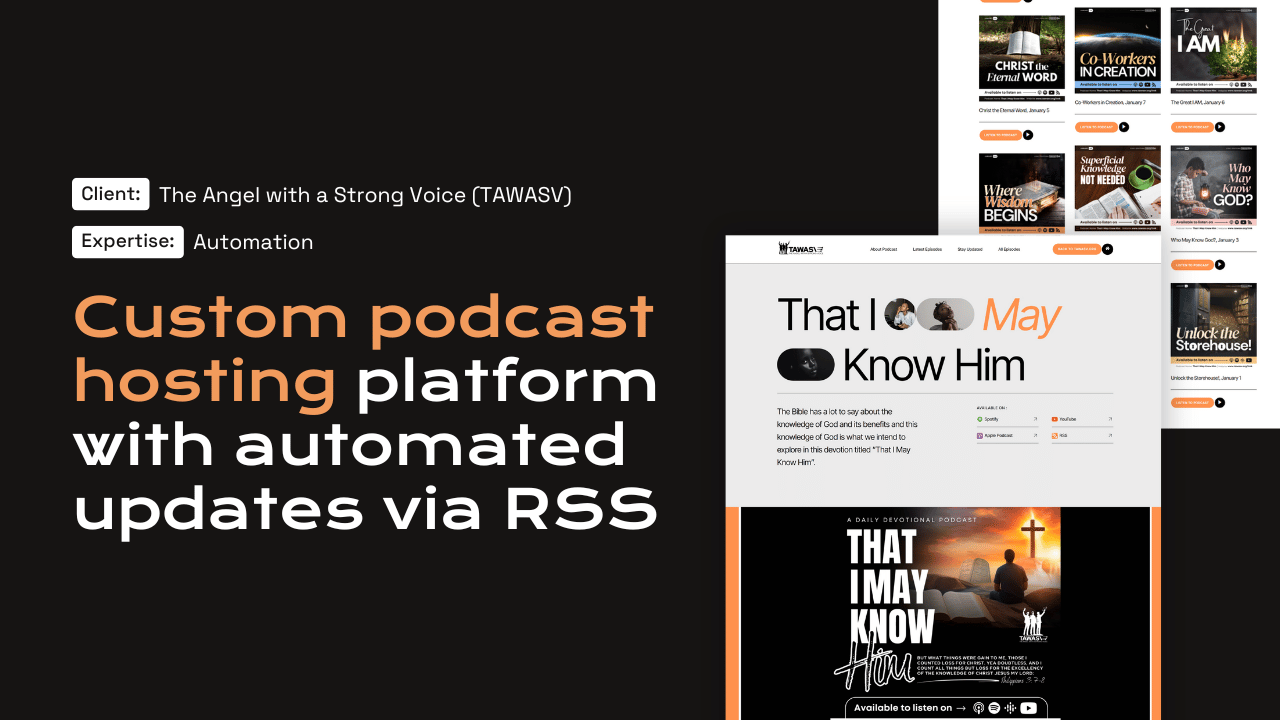
Our team built each of these systems: a recruitment portal with HR dashboard, a ministry boot camp registration platform and a ticketing system with QR check-in.

Questions

Frequently asked questions

Why build a web application on WordPress?

WordPress gives you secure user accounts, an admin interface, a large ecosystem and many developers who understand it. Building custom features on top is often faster and more affordable than starting from nothing, and easier to maintain. For needs it cannot meet well, we will say so during scoping.

What does a custom web application cost?

Web applications are development projects, starting from $5,000 per project. The price depends on the number of user roles, workflow steps, integrations and reports. We agree a written scope with a fixed USD price, and can phase larger systems so you launch the essentials first.

Can staff use it on their phones in the field?

Yes. We design forms and dashboards to work on phones, keep pages light for mobile data and test on real devices. If staff work in areas with weak signal, we keep forms short and save progress so a dropped connection does not lose their work.

Do we need a data protection impact assessment?

The Data Protection Act 2024 requires one where processing is likely to pose significant risks to people's rights, which can apply to systems handling sensitive or large volumes of data. Your adviser makes that call; we provide the technical documentation the assessment needs.

Can it connect to our existing systems?

Usually. We integrate with accounting packages, CRMs, email platforms and other systems through their APIs. If a system has no API, we look at exports and imports instead and tell you honestly what is practical. Integrations are listed individually in the written scope, with what each one does.

Start a project

Tell us what you need WordPress to do.

A new website, a redesign, a client portal, a booking system, or a move from another platform. Tell us what you need and we will tell you how WordPress can carry it.

What happens next

  1. 01
    Introductory callUnderstanding the project, the organisation, and the brief.
  2. 02
    Discovery questionnaireThe detail we need before designing anything.
  3. 03
    Scope agreementDeliverables, timeline, and investment confirmed in writing.
See how a project runs